Best 5 Code Editors for Smooth Coding Experience in 2026
The FreeWebCart editorial team researches and verifies every free-course coupon and guide published on the site.
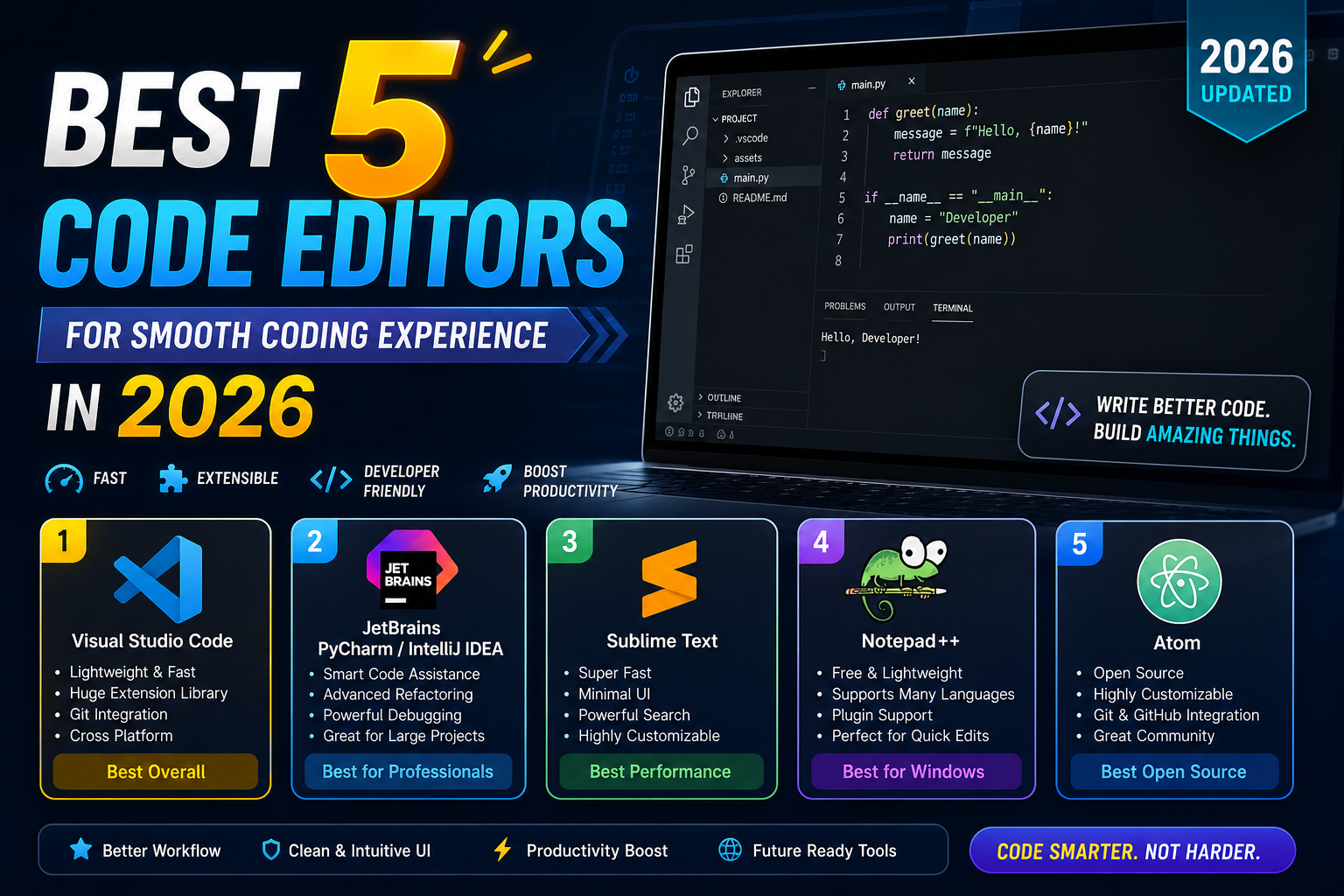
In 2026, developers have more choices than ever — from lightweight text editors to full-featured IDEs. This guide covers the 5 best code editors available right now, who each one is best for, and how to choose the right one for your workflow.
What Makes a Good Code Editor?
Before diving into the list, here is what separates a great code editor from an average one:
- Speed: Opens instantly and stays fast even with large projects
- Syntax highlighting: Colour-codes your code for easy reading
- Auto-completion: Suggests code as you type to speed up writing
- Extensions and plugins: Lets you add features for learn master any language with chatgpt boost your language skills or framework
- Git integration: Shows code changes and lets you commit without leaving the editor
- Debugging tools: Helps you find and fix bugs without switching to another tool
1. Visual Studio Code — Best Overall Code Editor
Developer: Microsoft Price: Free and open source Platforms: Windows, macOS, Linux
Visual Studio Code (VS Code) is the most popular code editor in the world and has been for several years running. According to the Stack Overflow Developer Survey, over 70% of developers use VS Code as their primary editor — and for good reason.
It strikes the perfect balance between lightweight speed and powerful features. It starts up in seconds, handles projects of any size, and supports every major programming language out of the box.
Key features:
- IntelliSense: Smart auto-completion that understands your code context, not just basic keyword matching
- Integrated terminal: Run commands, scripts, and servers without leaving the editor
- Git integration: See file changes, stage commits, and manage branches directly in the sidebar
- Extension marketplace: Over 50,000 extensions covering every language, framework, linter, theme, and tool imaginable
- Live Share: Collaborate with other developers in real time inside the same editor session
- Debugging: Built-in debugger with breakpoints, call stacks, and variable inspection
- Remote development: Connect to remote servers or Docker containers and edit files directly
- Prettier — automatic code formatting
- ESLint — JavaScript and TypeScript error checking
- GitLens — advanced Git history and blame annotations
- Python — full Python language support
- Thunder Client — test REST APIs without leaving the editor
Download: code.visualstudio.com
2. JetBrains IDEs — Best for Professional and Enterprise Development
Developer: JetBrains Price: Paid (free community editions available) Platforms: Windows, macOS, Linux
JetBrains makes a family of specialised IDEs — WebStorm for JavaScript, PyCharm for Python, IntelliJ IDEA for Java and Kotlin, PhpStorm for PHP, GoLand for Go, and more. Each one is purpose-built for its language, which means deeper free empathy and emotional intelligence for project managers course and more powerful refactoring tools than any general-purpose editor can offer.
If VS Code is a Swiss Army knife, JetBrains IDEs are precision surgical instruments. They cost more (in resources and money), but learn developing successful professional relationships developers working in a single language stack often find them significantly more productive.
Key features:
- Deep code intelligence: Understands your entire codebase, not just the file you have open — catches bugs, unused variables, and logic errors automatically
- Advanced refactoring: Rename variables, extract functions, and restructure code safely across your entire project with one action
- Built-in database tools: Query and manage databases directly inside the IDE
- Integrated testing: Run and debug unit tests with a visual test runner
- free git github mastery version control practice exams course: Full Git, GitHub, and GitLab integration with visual diff tools
- Code inspections: Hundreds of built-in checks that flag potential bugs before you run the code
- IntelliJ IDEA Community Edition — free for Java and Kotlin
- PyCharm Community Edition — free for Python
- All other JetBrains IDEs — 30-day free trial, then paid subscription
Download: jetbrains.com
3. Sublime Text — Best Lightweight Editor for Speed
Developer: Sublime HQ Price: Free to evaluate, $99 one-time license Platforms: Windows, macOS, Linux
Sublime Text has been a favourite among developers since 2008 and remains one of the fastest and most responsive code editors available. It opens instantly, handles massive files without slowing down, and has a clean, distraction-free interface that lets you focus on code.
While VS Code has taken over in terms of popularity, Sublime Text still has a loyal following — particularly among developers who prioritise raw speed and minimalism over feature bloat.
Key features:
- Multiple cursors: Edit multiple lines simultaneously — one of Sublime Text's signature features that other editors have since copied
- Command palette: Access every editor function instantly by typing its name
- Goto Anything: Jump to any file, symbol, or line in your project instantly with fuzzy search
- Split editing: View and edit multiple files side by side
- Distraction-free mode: Full-screen writing with no UI clutter
- Package Control: Install community plugins for additional language support, themes, and tools
- Extremely fast: Handles files of any size with no lag
Download: sublimetext.com
4. Neovim — Best for Developers Who Live in the Terminal
Developer: Open source community Price: Free and open source Platforms: Windows, macOS, Linux
Neovim is a modern, extensible rebuild of the classic Vim editor. It is not for everyone — it has a steep learning curve and requires you to learn keyboard-driven navigation and a unique editing philosophy. But developers who master Neovim often become dramatically faster than users of any other editor.
Neovim runs entirely in the terminal, which means it works seamlessly over SSH on remote servers, inside Docker containers, and in environments where a graphical editor is unavailable. Many backend developers, DevOps engineers, and Linux power users swear by it.
Key features:
- Modal editing: Separate modes for inserting text, navigating, and selecting — once learned, editing code feels significantly faster than mouse-based editors
- Keyboard-driven: Everything done with the keyboard, no mouse needed
- Lua configuration: Fully configurable and scriptable using Lua
- LSP support: Full language server protocol support for auto-completion and error checking matching VS Code quality
- Plugin ecosystem: Thousands of community plugins for every conceivable feature
- Runs anywhere: Works over SSH, in containers, on any server
- LazyVim — a pre-configured Neovim setup that works out of the box
- NvChad — another popular pre-configured setup with a modern UI
Download: neovim.io
5. Zed — Best New Code Editor for 2026
Developer: Zed Industries Price: Free and open source Platforms: macOS, Linux (Windows in development)
Zed is the newest editor on this list and the most exciting development in the code editor space in years. Built from scratch in Rust by the creators of Atom and Tree-sitter, Zed is designed from the ground up for performance and AI-assisted collaboration.
It renders at 120fps, uses GPU acceleration, and feels noticeably faster than VS Code even on large projects. It also has built-in AI assistance and real-time collaboration features baked in at the core level — not bolted on as extensions.
Key features:
- Extreme performance: GPU-accelerated rendering built in Rust — the fastest code editor available in 2026
- Built-in AI: Integrated AI code assistance with support for multiple AI providers
- Real-time collaboration: Work on the same file as another developer simultaneously, like Google Docs for code
- Language server support: Full IntelliSense-quality auto-completion for all major languages
- Vim mode: Optional Vim keybindings for developers coming from Neovim
- Minimal and fast UI: Clean, focused interface with no bloat
Who it is for: macOS and Linux developers who want the fastest possible editor with modern AI features, teams who want real-time collaboration built in, developers frustrated with VS Code's performance on large projects.
Download: zed.dev
Which Code Editor Should You Choose?
| Your Situation | Best Choice |
|---|---|
| Just starting out | Visual Studio Code |
| Professional developer, one language | JetBrains IDE for your language |
| Want the fastest lightweight editor | Sublime Text |
| Work mostly in the terminal or on servers | Neovim |
| Want the fastest modern editor with AI | Zed |
For most developers — especially beginners — Visual Studio Code is the right answer. It is free, works on every platform, supports every language, and has the largest extension ecosystem of any editor. Start there, and explore others as your needs evolve.
Frequently Asked Questions
Which code editor is best for beginners?
Visual Studio Code is the best choice for beginners. It is free, easy to set up, has excellent documentation, and works well for every programming language. Its extension marketplace means you can add exactly what you need as you grow.
Is VS Code better than JetBrains?
It depends on your needs. VS Code is lighter, free, and more versatile across languages. JetBrains IDEs are deeper, smarter, and more powerful for their specific language — but cost money and use more system resources. Many professionals use VS Code for quick edits and a JetBrains IDE for serious project work.
Can I use multiple code editors?
Yes, many developers do. A common setup is VS Code or Zed for daily development, Neovim for quick server-side edits over SSH, and a JetBrains IDE for language-specific deep work.
Is Neovim worth learning in 2026?
Yes, if you are willing to invest the time. The learning curve is steep — expect 2 to 4 weeks before you feel comfortable. But developers who master Neovim consistently report feeling faster and more productive than with any other editor. It is especially worth learning if you work frequently on remote servers.
Is Zed ready for production use?
Yes for macOS and Linux. Zed is stable, fast, and actively developed. Windows support is still in progress, so Windows developers should stick with VS Code for now.
Keep Learning with Free Courses on FreeWebCart
Whichever editor you choose, the best way to get faster and more productive is to keep building real projects. FreeWebCart has hundreds of free programming courses on Udemy — covering Python, learn wordpress web development for absolute beginner zero to hero, ai cybersecurity solutions overview of applied ai security, data science, and more — all available with verified 100% OFF coupons.